- Home
- All macros
All Roblox macros
32 macro guides across 22 games. Filter by game, tool type or platform. Every guide links to the creator's own download.
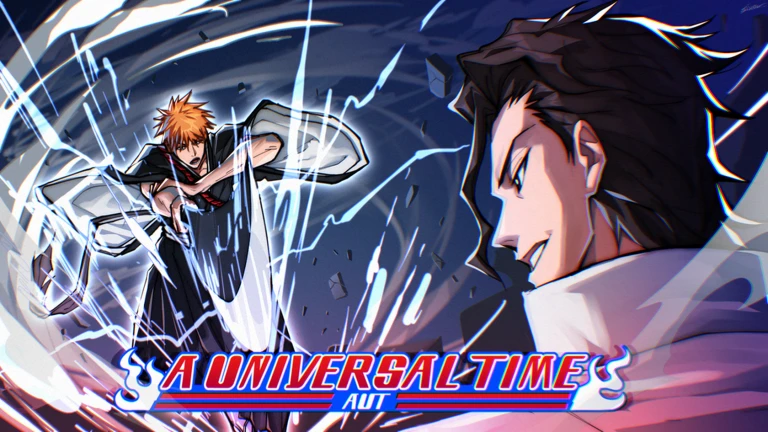
Fully AFK chest farming for A Universal Time. Attacks the desert enemies, dodges, fires your ultimate, collects every chest, resets and repeats. Free in the Astro Macros Discord.
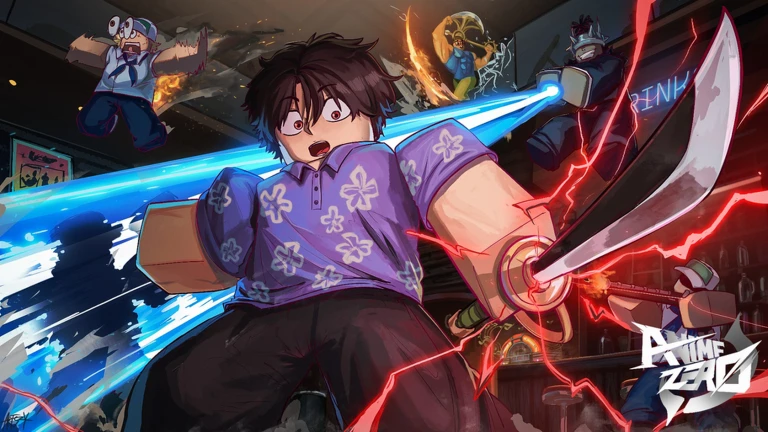
Fully AFK Anime Zero macro for Story and Infinite mode. Uses your skills, waits for each wave, clicks Retry when you die and keeps farming. Free in the Astro Macros Discord.
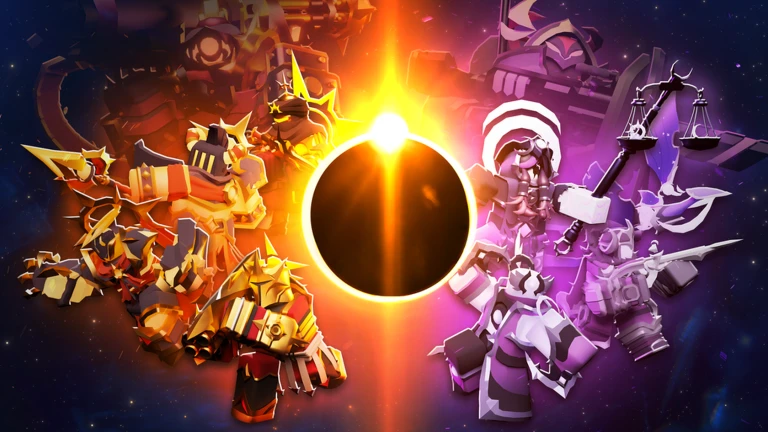
Records your TDS strategy once, then places and upgrades towers, replays the match and farms coins, gems and battle pass orbs on its own. Free on GitHub.

Auto catches Scrooms for you. Auto Start, Ring, Tuning and Catch modules, each on its own toggle. Instrument in slot 1, press F3, walk away.
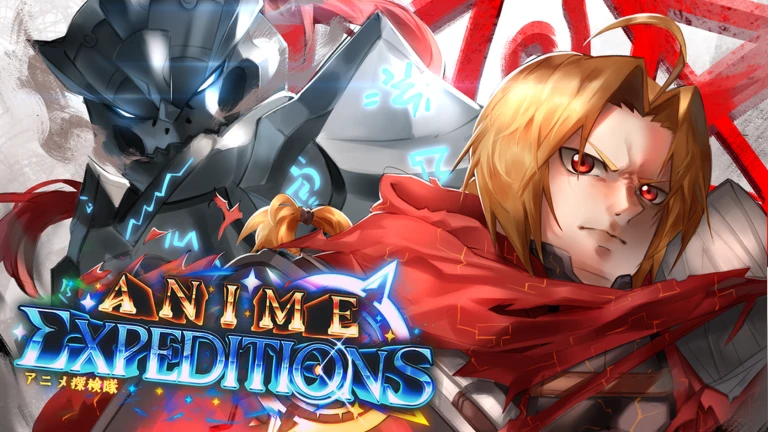
Auto farms Story, Raids, Events and Expedition mode. Places your saved team, upgrades by priority or timeline, replays custom runs and auto-crafts sprites. Screen-based, free.
Auto cast, a fishing minigame that tracks the bar and fish straight from the game, and auto claim. Free, beta, press F3.
AI-trained water detection, auto cast, auto catch, auto collect and optional auto bait buying. Set it up once, press F1, walk away.
Open-source Python fishing macro with pixel-detection minigame play, auto collect and no terms of service. Needs Python 3.12.
Calibrated fishing-bar tracking with a wait-for-fish safety timer that re-casts if nothing bites. Great with a max-luck rod.
Auto cast, perfect cast, auto reel and anti-AFK, each on its own toggle. Walk up to water, press F3, walk away.
Complete AutoHotkey-based fishing macro with a detailed setup guide. For players who want full control.
Detects and stops on the enchantment you want using OCR. Built for relic enchanting.
The flagship AI Bee Swarm macro. AI token gathering, planter studio, bug runs, webhooks and a full GUI, on Windows and Mac.
Garden automation with auto buy, auto sell and auto place, each toggled separately.
Auto-shop buying, auto-crafting, traveling merchant automation and Discord webhooks.
Free, open-source AutoHotkey macro with AFK shopping loops, Discord webhooks and private server rejoining.
Auto fruit storage, auto bait selection, duplicate dropping and smart rod handling for AFK fishing.
Automates the Observation Haki V2 mini-game with precise click timing. F1/F2 controls and adjustable delay.
Fully AFK trick-or-treating for the GPO Halloween event. Goes door to door for candy, remembers each door's timer, then runs to the Witch to spend it. Free in the Astro Macros Discord.
Red-mark detection, fishing bar timing, chest handling and saveable keybinds for AFK fishing.

Auto boss runs, pity farming, island pathfinding and event farming.
The most feature-packed Anime Vanguards macro, with auto-reconnect, Discord webhooks and full customization.
Record your own Anime Vanguards macro with TinyTask for maximum flexibility.

All-in-one suite for hatching, darts, board game, mystery boxes, enchants, fishing and pet match, with multi-account support.
Farm seeds, gear and cash, and run 25+ brainrot invasions overnight while AFK.
Multi-location support, merchant auto-sale, slot switching and AFK farming for ultra-rares.
Casting, bite detection and reeling automation with simple P to start, O to stop controls.
Fast, consistent event farming with a recommended team, souls and speed settings.
Automatic fish bar detection, auto casting and endless AFK fishing.

Overnight diamond grinding with auto flag placement and multi-account support.
Boss farming with TinyTask, built around Solemn Lament one-shot rotations.

Record once, replay for AFK farming and stage grinding with TinyTask.
Macros by game
Each game has a hub comparing every macro we cover for it.
Standalone apps
Downloadable programs like ExoPanda and Revolution Macro. Easiest to set up, usually with a GUI and per-game settings.
AutoHotkey macros
Scripts you run with AutoHotkey. Flexible and inspectable, but sensitive to screen resolution and scaling.
Python scripts
Open-source macros you run with Python instead of an .exe. Easy to inspect, but you install Python first.
TinyTask recordings
Record-and-replay loops. Best for simple AFK grinds in games like PS99, Rogue Piece and tower defense games.
What Are Roblox Macros?
Roblox macros are automation tools that simulate keyboard and mouse inputs to perform repetitive in-game actions automatically. Unlike exploits or scripts that inject code into the game, macros operate externally using programs like AutoHotkey, TinyTask, or Python. They simply replay recorded inputs or execute predefined sequences of clicks and keypresses.
Macros are commonly used for tasks like auto-fishing in Fisch, AFK farming in simulator games, or automating resource collection. Because they don't modify game files or memory, they fall into a different category than cheats or exploits.
How Macros Work
Most Roblox macros work through one of these methods:
Tools like TinyTask record your mouse movements and keystrokes, then replay them exactly as performed.
AutoHotkey scripts define specific actions, timings, and conditions using code.
Advanced macros read screen colors to detect game states (like a fishing bobber moving) and respond accordingly.
Some macros use libraries like OpenCV to find and click on specific UI elements.
Are Macros Allowed on Roblox?
Roblox's Terms of Service do not explicitly prohibit macros or input automation tools. Unlike exploits that inject code or modify game memory, macros only simulate human input from outside the game client.
However, individual game developers can set their own rules. Some games may kick or ban players for using automation, while others tolerate it. Always check the specific game's rules before using any macro.
For a detailed breakdown, read our guide: Are Macros Allowed on Roblox?
Macros vs Exploits: The Key Difference
It's important to understand the distinction:
- Run outside Roblox
- Simulate keyboard/mouse input
- Cannot read game data
- Cannot do anything a human couldn't do manually
- Inject code into Roblox
- Modify game behavior
- Enable impossible actions (flying, teleporting)
- Explicitly banned - will result in account termination
Learn more: Macro vs Script vs Exploit Guide
Getting Started with Macros
If you're new to Roblox macros, here's what you need to know:
The most popular macro tool for Roblox. Free, powerful, and most macros on this site use it. Requires Windows.
Simple record-and-playback tool. Great for beginners. No coding required.
Most macros are designed for 1920x1080. Using a different resolution may cause issues.
Windowed mode is often required. Some macros need specific graphics settings.
Ready to create your own? Check out: How to Create Your Own Roblox Macro
Safety Considerations
While macros are generally safer than exploits, there are still things to keep in mind:
- Game-Specific Rules - Some games prohibit automation. Check before using.
- Anti-AFK Systems - Some games have detection systems that may kick automated players.
- Download Sources - Only download macros from trusted sources. Malicious files can contain keyloggers or malware.
- No Guarantees - We cannot guarantee any specific outcome from using macros.
Popular Macro Types
Different games require different types of automation. Here are the most common macro categories:
Automate casting, bite detection, and reeling in fishing games like Fisch, Blox Fruits, and GPO. These typically use pixel detection to identify when a fish bites.
Handle unit placement, ability timing, and wave progression in games like Anime Vanguards. These often include auto-restart and AFK farming features.
Automate resource collection in games like Bee Swarm Simulator, Grow a Garden, and Prospecting. These handle repetitive clicking and movement patterns.
Specialized macros for enchanting systems (like Fisch's Auto Enchanter) that use OCR to detect specific outcomes and stop when desired results appear.
Troubleshooting Common Issues
If your macro isn't working, check these common issues:
Macro not detecting game elements
Ensure you're using 1920x1080 resolution, Roblox is in windowed mode (not fullscreen), and the game window isn't obstructed by other applications.
Clicks not registering
Run the macro as administrator. Some games require elevated permissions for input simulation to work properly.
Timing issues or lag
Close background applications to reduce CPU usage. Macros rely on precise timing, which can be affected by system performance.
AutoHotkey errors
Make sure you have the correct AutoHotkey version installed. Most modern macros require AutoHotkey v2.0+, not the older v1.1.
Related guides
Understand Roblox's Terms of Service and how macros fit into the rules.
Macro vs Script vs ExploitLearn the important differences between these automation methods.
How to Create Your Own Roblox MacroStep-by-step guide to creating custom macros with TinyTask and AutoHotkey.
How to AFK in RobloxTechniques for staying in-game while away from your computer.
Have more questions? Check our complete FAQ page or contact us for help.