Find a working macro for any Roblox game.
Guides and setup walkthroughs for Fisch, Bee Swarm Simulator, Grow a Garden and more, with the link to each creator's official download, not a re-upload.



Macros by game
Every game has a hub comparing all the macros we cover for it.
Most popular macros
Ranked by public numbers: downloads on GitHub, or views of the macro's setup video.
-
1
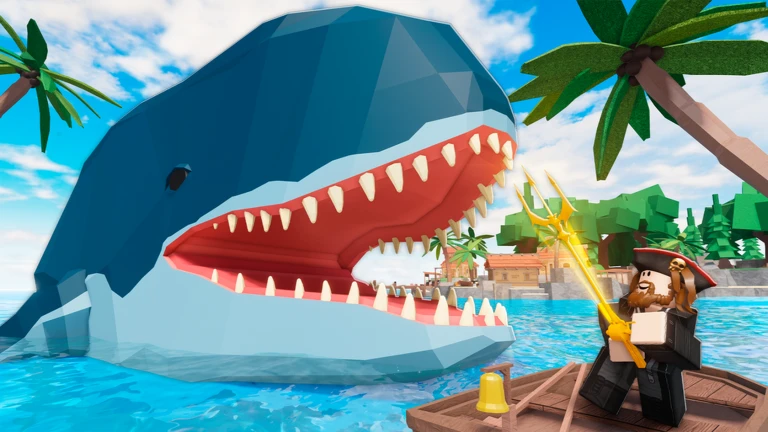
Fisch Macro V11
1.1M views
Fisch
Fisch Macro V11
1,105,018 views on its YouTube setup video
by Asphalt Cake
AutoHotkey · Windows
-
2
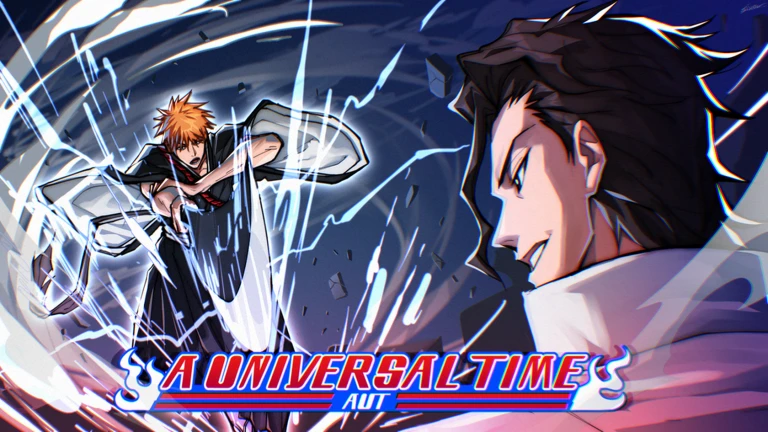
 AIO Macro
670K downloads
Anime Vanguards
Anime Vanguards AIO Macro
670,738 downloads on GitHub
by SalmonDXH
AutoHotkey · Windows
AIO Macro
670K downloads
Anime Vanguards
Anime Vanguards AIO Macro
670,738 downloads on GitHub
by SalmonDXH
AutoHotkey · Windows
-
3
Revolution Macro
173K views
Bee SwarmMac
Revolution Macro
173,330 views on its YouTube setup video
by Revolution
Standalone app · Windows, Mac
-
4
GPO Fishing Macro V6
151K views
GPO
GPO Fishing Macro V6
151,027 views on its YouTube setup video
by Asphalt Cake
Standalone app · Windows
-
5
GPO Halloween Macro
71K views
GPO
GPO Halloween Candy Macro by Astro Macros
71,063 views on its YouTube setup video
by Astro Macros
Standalone app · Windows
-
6
 Ornate Macro
69K views
Prospecting
Ornate Prospecting Macro
69,794 views on its YouTube setup video
by Ornate (community)
AutoHotkey · Windows
Ornate Macro
69K views
Prospecting
Ornate Prospecting Macro
69,794 views on its YouTube setup video
by Ornate (community)
AutoHotkey · Windows
-
7
Blox Fruits Fishing Macro
47K views
Blox Fruits
Blox Fruits Fishing Macro
47,072 views on its YouTube setup video
by Asphalt Cake
Standalone app · Windows
-
8
 PS99 AFK Diamond Macro
46K views
PS99
PS99 AFK Diamond Macro
46,108 views on its YouTube setup video
TinyTask · Windows
PS99 AFK Diamond Macro
46K views
PS99
PS99 AFK Diamond Macro
46,108 views on its YouTube setup video
TinyTask · Windows
Latest guides
All guides

Roblox macro FAQ
What are Roblox macros?
Macros are automation tools that perform repetitive actions for you in Roblox games. Instead of clicking the same button hundreds of times, a macro can do it automatically, saving you time and effort while you focus on other things. They work from outside the game by sending keyboard and mouse input. Read the full beginner guide.
Do macros work on all computers?
Many macros covered here are Windows-only, but a growing number run on Mac: every ExoPanda macro (Fisch, Grow a Garden, Sailor Piece) and Revolution Macro. For TinyTask-style recordings on a Mac, use ExoPanda Recorder. Every macro page lists its platform. You can filter the directory by platform, and we have separate guides for Mac and mobile.
Are these macros safe to use?
Download only from the official source linked on each page. Re-uploads and random links are how most fake or unsafe files spread. Macros that send keypresses are sometimes flagged by antivirus as a false positive. Using any automation tool may also break a specific game’s rules, so use macros responsibly and at your own discretion. We are not responsible for any account actions taken by game developers.
Will I get banned for using macros?
Input macros are rarely punished, and when they are, it’s usually by an individual game rather than Roblox itself. There’s still always some risk. To minimize it:
- Don’t run macros 24/7
- Take regular breaks
- Check the game’s own rules on automation
- Monitor your account for any warnings
Use macros at your own discretion and risk. Full guide: can you get banned for using Roblox macros?
Why isn't my macro working?
Common issues include:
- The game has been updated: check the creator’s page or Discord for a new version
- Screen resolution or display scaling doesn’t match what the macro expects
- The macro software isn’t running as administrator
- The game window isn’t in focus
Try restarting both the game and the macro. Each macro guide has its own troubleshooting section; if issues persist, contact us.
What is a Roblox macro?
A Roblox macro is a program that repeats keyboard and mouse inputs for you: casting and reeling in Fisch, gathering pollen in Bee Swarm Simulator, or buying seeds in Grow a Garden. Most read the screen and press keys, the same way an auto clicker does.
That's different from a script or exploit, which injects code into Roblox and breaks its Terms of Use. We only cover input macros, and every guide links to the creator's official site, GitHub or Discord. Macro vs script vs exploit →
The trusted source for Roblox macro information
RobloxMacros.com is your go-to destination for comprehensive Roblox macro guides and automation information. Whether you're looking to learn about fishing macros in Fisch, AI-powered automation in Bee Swarm Simulator, or fruit farming in Blox Fruits and Grand Piece Online, our detailed guides help you understand how these tools work.
We cover 22 popular Roblox games with 32 in-depth macro guides. Each guide includes honest explanations of features, requirements, setup instructions, and important considerations. We only feature macros from reputable community sources.
Browse the full macro directory, read our guides, and make informed decisions about the tools you use.