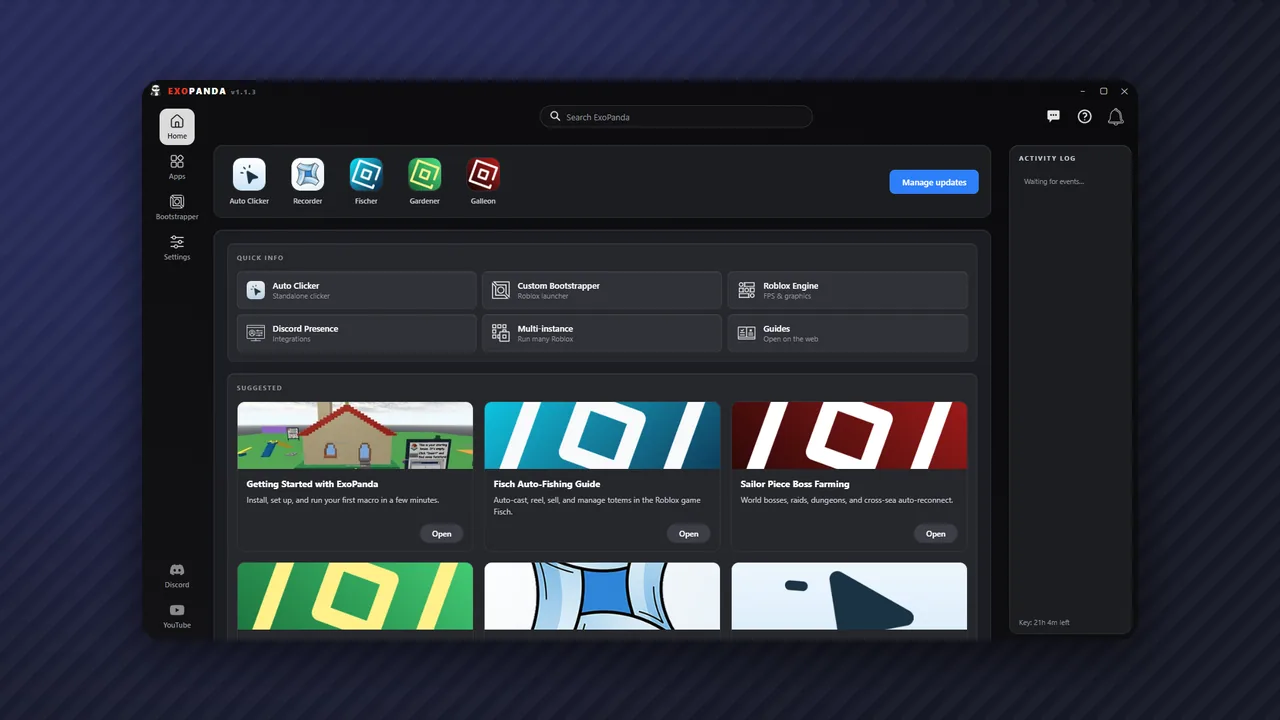
Our guides cover everything from understanding what macros are and whether they're allowed, to creating your own custom automation. Each guide is written with clarity and accuracy to help you make informed decisions about using macros in Roblox.
What you'll learn
Rules & legality
Understand what Roblox's Terms of Service say about automation and how to stay within the rules.
Technical knowledge
Learn how macros work technically, including pixel detection, input simulation, and timing.
Practical skills
Step-by-step tutorials for creating, configuring, and troubleshooting macros.
Safety best practices
Tips for using macros responsibly and avoiding common pitfalls.
Tools we cover
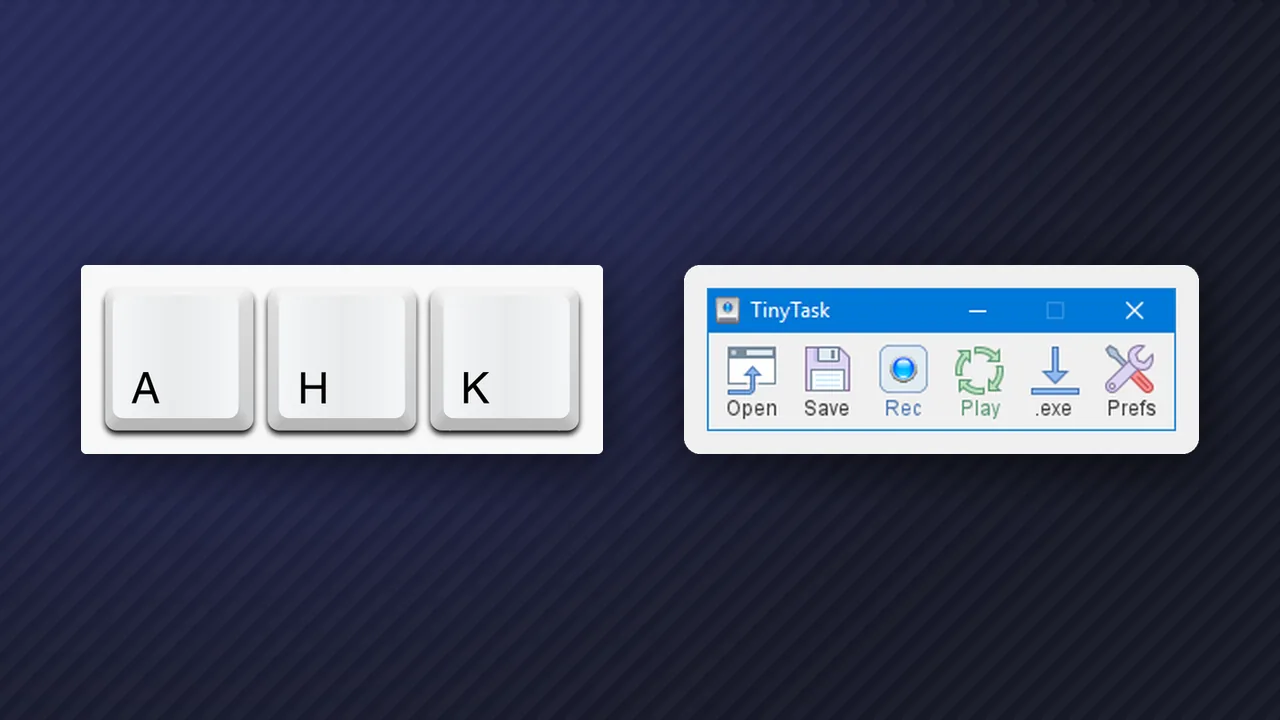
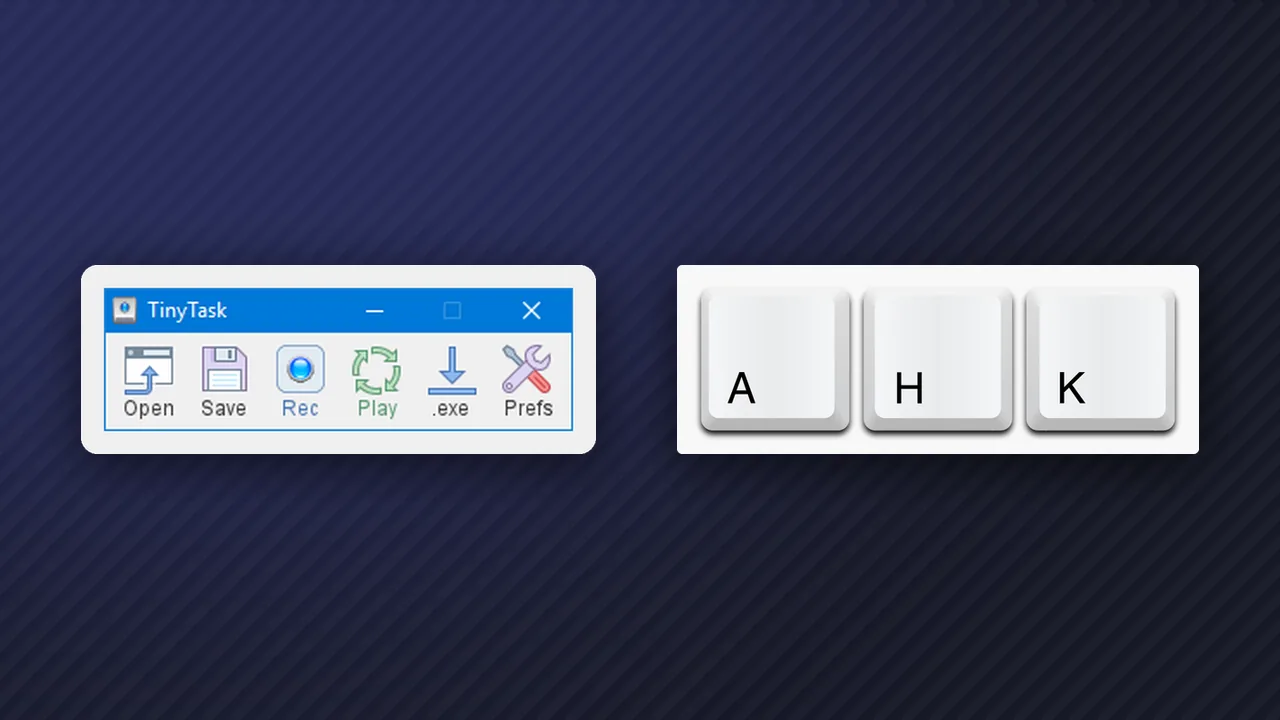
AutoHotkey
The most powerful and popular macro tool for Roblox. Allows scripted automation with pixel detection, timing control, and complex logic. Requires Windows.
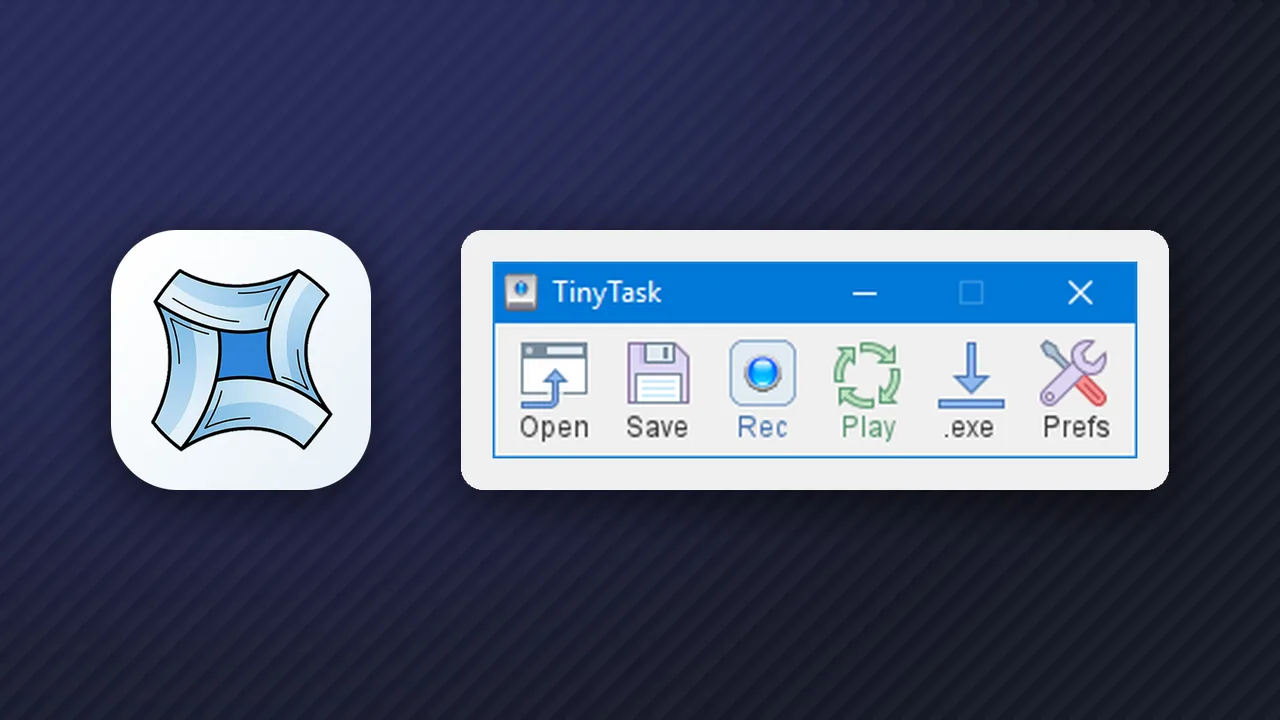
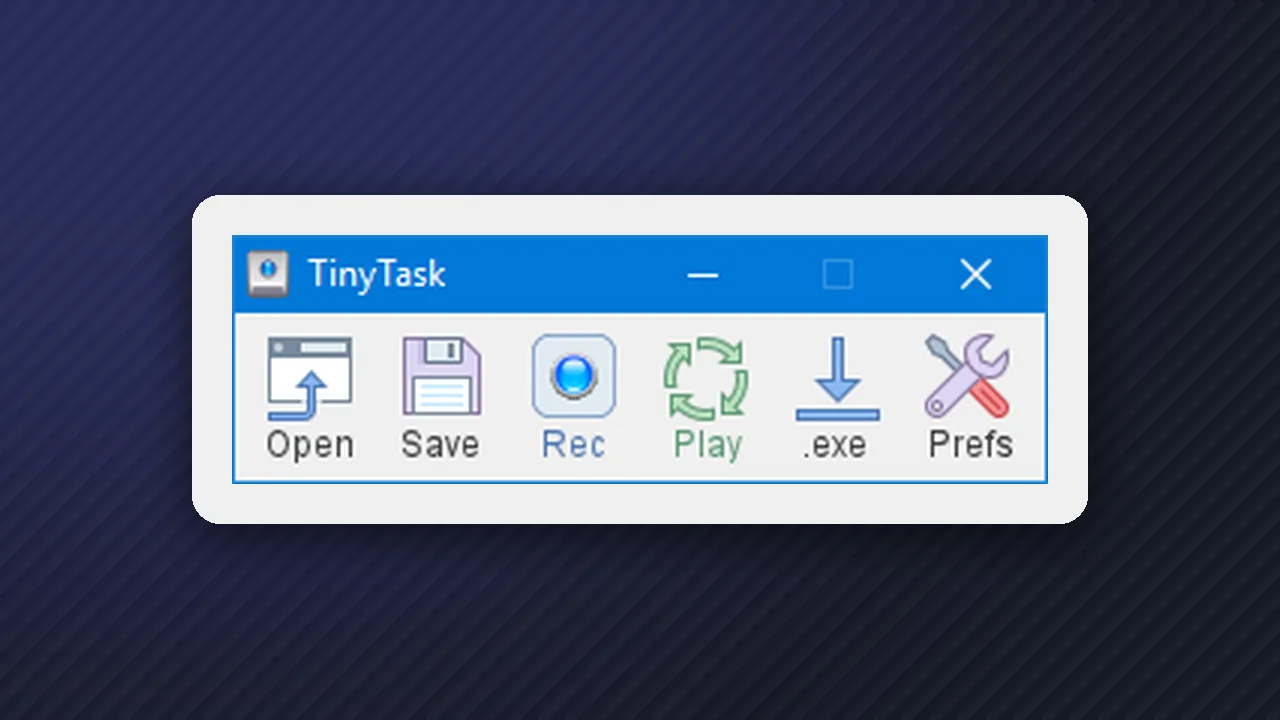
TinyTask
Simple record-and-playback tool perfect for beginners. No coding required: just record your actions and replay them. Great for simple repetitive tasks.
Python
Some advanced macros use Python with libraries like PyAutoGUI for cross-platform support and advanced image recognition capabilities.
Who these guides are for
Beginners: players who have heard about macros but don't know where to start or whether they're safe to use.
Curious players: those who want to understand how automation works before deciding whether to use it.
Grinders: dedicated players looking to optimize their farming efficiency in grindy games.
Developers: people interested in creating their own macros or understanding how existing ones work.
Our guides are educational. We explain how tools work but encourage responsible use that respects game rules.