ExoPanda Grow a Garden Macro
Complete guide to the most powerful garden automation tool
What is ExoPanda Grow a Garden Macro?
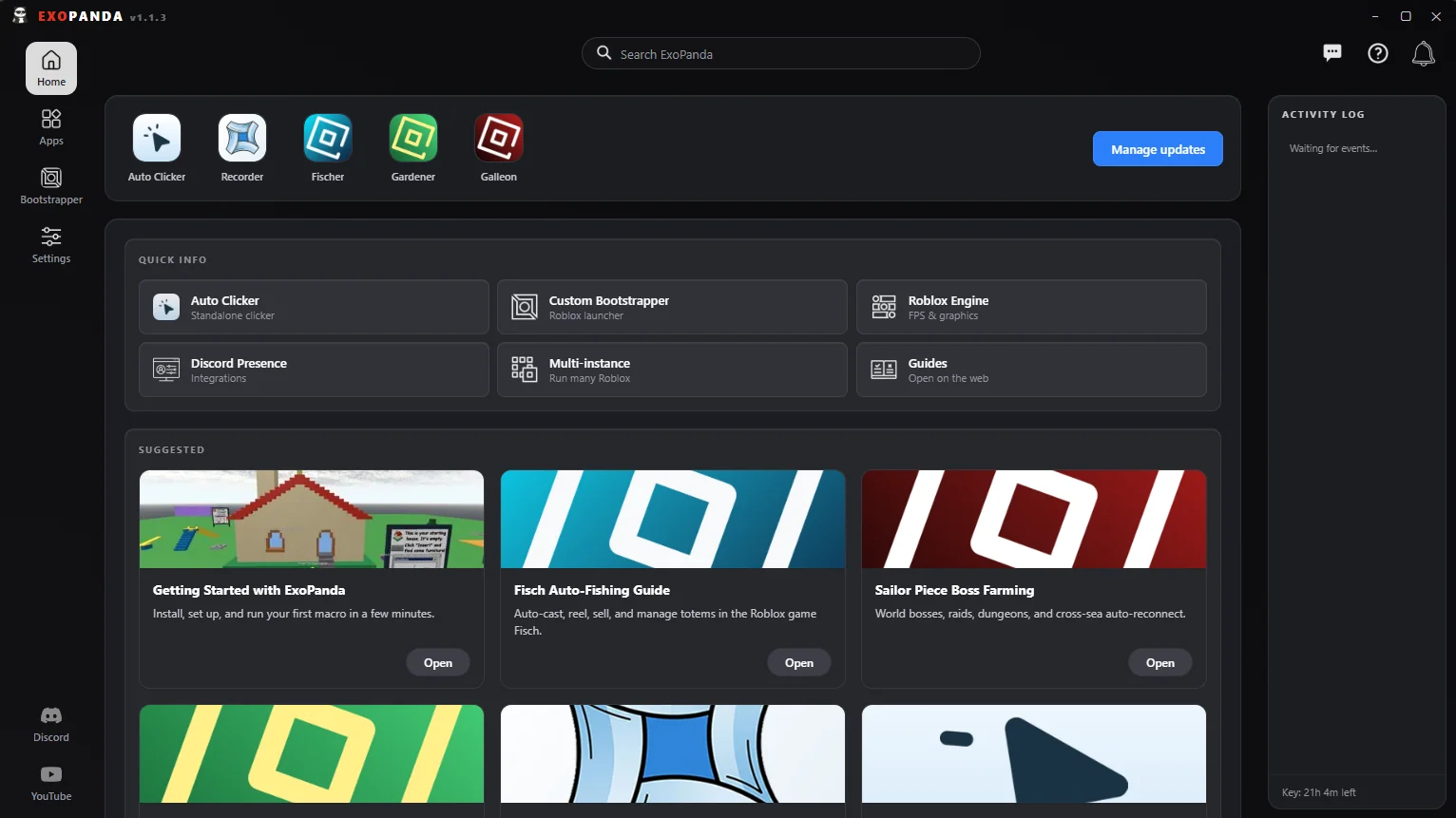
ExoPanda Grow a Garden Macro is a powerful automation tool that handles the entire garden management loop. It automates buying seeds, selling plants, and placing crops, allowing you to farm efficiently while AFK.
The macro is designed to work seamlessly with Grow a Garden's systems, automating the repetitive tasks that consume most of your playtime. Whether you're early game or late game, ExoPanda adapts to your farming needs.
Official Website: exopanda.com
Garden Macro Features
Automatically purchases seeds from shops and vendors to keep your garden stocked.
Harvests and sells mature plants automatically for maximum profit.
Places seeds in available garden plots automatically.
Intelligently detects game state and adjusts automation accordingly.
Main Guide
Complete guide to the Grow a Garden macro. Auto buy, auto sell, auto place.
Getting Started
- Download ExoPanda from exopanda.com
- Install the application and launcher
- Open ExoPanda and select Grow a Garden
- Configure your automation settings
- Launch into the game and start the macro
Configuration Options
The macro provides several configuration options to customize your automation:
- Auto Buy — Enable/disable automatic seed purchasing
- Auto Sell — Enable/disable automatic plant selling
- Auto Place — Enable/disable automatic seed placement
- Farming Mode — Choose your preferred farming strategy
AFK Guide
AFK farming automation. Let the macro farm for you while you're away.
Setting Up for AFK Farming
To maximize your AFK farming sessions:
Ensure your connection won't drop during long sessions.
Prevent your PC from sleeping during the farming session.
Ensure your PC stays powered throughout the session.
Run the macro for a few minutes while watching to ensure it's working correctly.
Best Practices
- Start with shorter AFK sessions to test stability
- Monitor your garden progress periodically
- Adjust settings based on your farming goals
- Keep the game window unobstructed
Troubleshooting
Fix common problems. Macro not working? Find solutions here.
- Verify Roblox is running in windowed mode
- Check that game window is not minimized
- Ensure ExoPanda has proper permissions
- Check internet connection stability
- Verify PC hasn't entered sleep mode
- Look for game updates that may have broken the macro
- Review your macro configuration settings
- Ensure you're using the latest macro version
- Check ExoPanda logs for error messages
Garden Macro Feature Summary
Auto Buy Seeds
Auto Sell Plants
Auto Place
Auto Detection