ExoPanda Sailor Piece Macro
Complete guide to the most powerful Sailor Piece automation tool
Watch the Setup Guide
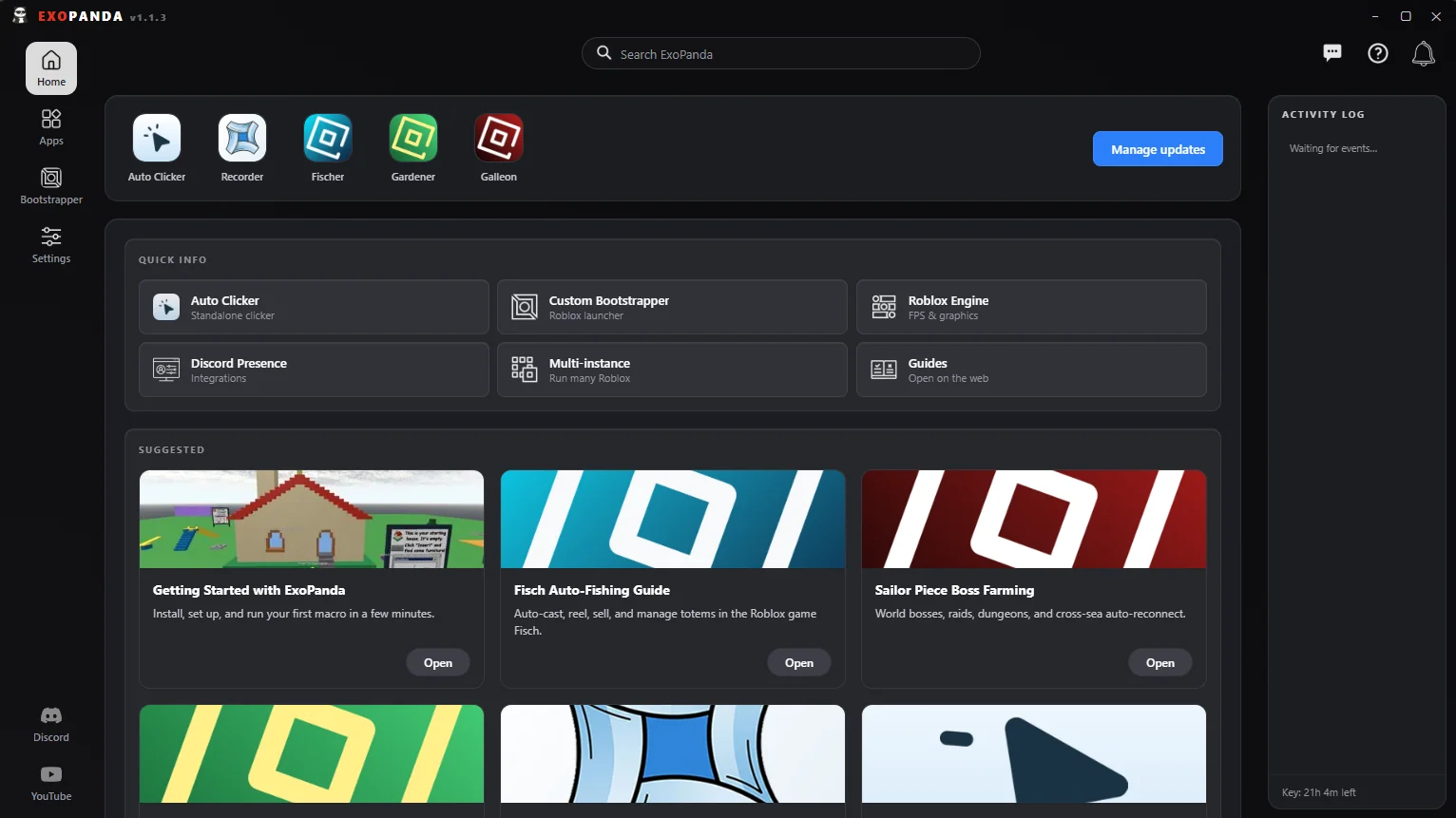
What is ExoPanda Sailor Piece Macro?
ExoPanda Sailor Piece Macro is a powerful automation tool that handles combat, farming, and progression in Sailor Piece. It automates boss runs, pity farming, NPC grinding, and event farming, allowing you to progress efficiently while AFK.
The macro features intelligent pathfinding, automatic combat, and flexible farming modes. Whether you're grinding NPCs, farming bosses, or pushing pity systems, ExoPanda adapts to your farming strategy.
Official Website: exopanda.com
Setup Walkthrough
Step 1: Install ExoPanda
Download from exopanda.com/downloads — both the installer and main app are virus-scanned and digitally signed.
Step 2: Open the Macro UI
Click Launch from the Sailor Piece game card to teleport in. If the UI doesn't auto-open, enable Legacy Auto Open in Settings — the macro UI will then pop automatically every time it detects a supported game.
Step 3: Configure Your Start Hotkey
The default is F3. You'll press this every time you want the Sailor Piece macro to start.
Required: Combat Setup (MSC Tab)
The Sailor Piece macro will not work until you fill in the Combat tab inside the MSC settings. Two values are required:
The hotbar slot the macro should hold while farming. Most setups use slot 2 (e.g. Ice Queen). Pick whatever has good AoE.
The move key to spam against NPCs. Z works well for Ice Queen's AoE.
Note: For bosses, the macro automatically uses your V move as much as it can. Smarter per-stage adaptation (one-tap detection for late-game M1 builds) is on the roadmap.
One-Time Setup: Set Respawn To Starter Island
Pathfinding for both Sea 1 and Sea 2 assumes your respawn point is the starter island. If it isn't, the macro can break mid-route.
- Travel to the first island
- Interact with the blue crystal
- This sets your respawn to starter island, and the Sailor Piece macro will navigate cleanly from then on
Farming Modes
Farm Islands & NPCs
Open the Farm NPCs tab and use the dropdown to select any island in either sea. The macro pathfinds to the island, kills NPCs, and loops indefinitely.
Example: Select Punch Island in Sea 2, hit start, walk away.
Boss Run
Boss Run kills every selected naturally-spawning boss in sequence on a cooldown you control (5 minutes to 1 hour).
Example: Tick Yuji, Gojo, Sukuna, Yamato, Alukard, and Shrunga Shinobi, set the cooldown to 30 minutes — the macro will sweep all six every half hour automatically.
Pity Farming
Pity farming farms a cheap "pity boss" 24 times to fill your pity bar, then automatically swaps to your pity target for a guaranteed 25th-kill drop.
- Walk near a boss to read your current pity (e.g. "5 / 24"). Enter that number into the pity field.
- Pick a pity boss to fill the bar (e.g. Knight).
- Pick your pity target (the boss whose drop you actually want, e.g. Strongest of History for the Sukuna moveset).
- The Sailor Piece macro then loops Knight 24×, switches to the target on kill 25, repeats.
Auto Main Boss
Pick any main boss in the game and a difficulty (Medium / Hard / Extreme). The macro spawns and farms that boss on loop.
Important: Stockpile keys first. If the macro runs out of spawn keys, it'll auto-detect the empty inventory and fall back to NPC farming — but you'll lose throughput. Bring enough keys for the run length you want.
Event Farming
The Event tab supports the current event boss with selectable difficulty, plus event-island NPC farming. Auto-buy of event upgrades and shop items is on the way — once it ships, full event AFK becomes one click.
Auto Merchant
In the MSC tab there's an Auto Buy Merchant toggle that buys selected items from the Sailor Island merchant on every 30-minute reset — trade re-rolls, clan re-rolls, and so on.
Tick everything you care about and the macro will sweep the shop on schedule.
Roadmap
Coming features for the Sailor Piece macro:
- Crystal Defense — The new Crystal Dungeon system + the Cosmic Being world boss inside it
- Auto Sea Beasts — Automated sea beast farming
- C1 ↔ C2 Swap Farming — Bouncing between Sea 1 and Sea 2 islands automatically
- Smarter Combat — Per-stage move selection instead of always V-move
- Auto Upgrades & Shop — Auto upgrades & shop buying for the event tab
Track progress and request features in the Discord.
If Something Goes Wrong
Pathfinding stuck? Macro not detecting the game? See the ExoPanda Troubleshooting guide, or ask in the Discord.
Sailor Piece Macro Feature Summary
Auto Boss Run
Pity Farming
Auto Main Boss
Island Pathfinding
Event Farming
Auto Merchant