TinyTask for Mac
The free TinyTask alternative for macOS, and how to record Roblox macros with it
There is no official TinyTask for Mac. TinyTask is Windows-only. The closest free equivalent is ExoPanda Recorder: it records your mouse and keyboard and replays them on a loop, like TinyTask, but runs natively on macOS and adds adjustable speed, loop counts and global hotkeys.
TinyTask is the go-to macro recorder for a lot of Roblox players: press record, do the thing once, and let it repeat forever. The catch is that it only runs on Windows. If you're on a MacBook or iMac, you need a different tool.
This guide covers the best free replacement, ExoPanda Recorder, and walks through recording your first Roblox macro on macOS.
Why TinyTask doesn't work on Mac
TinyTask is a small Windows program. There is no macOS build, and downloads labelled "TinyTask for Mac" don't come from its developer, so avoid them. Running it through a Windows emulator isn't practical either, because the macro has to control Roblox running on your Mac.
What you want instead is a native Mac app that does the same thing: record your mouse and keyboard, then replay it on a loop.
The TinyTask alternative for Mac: ExoPanda Recorder
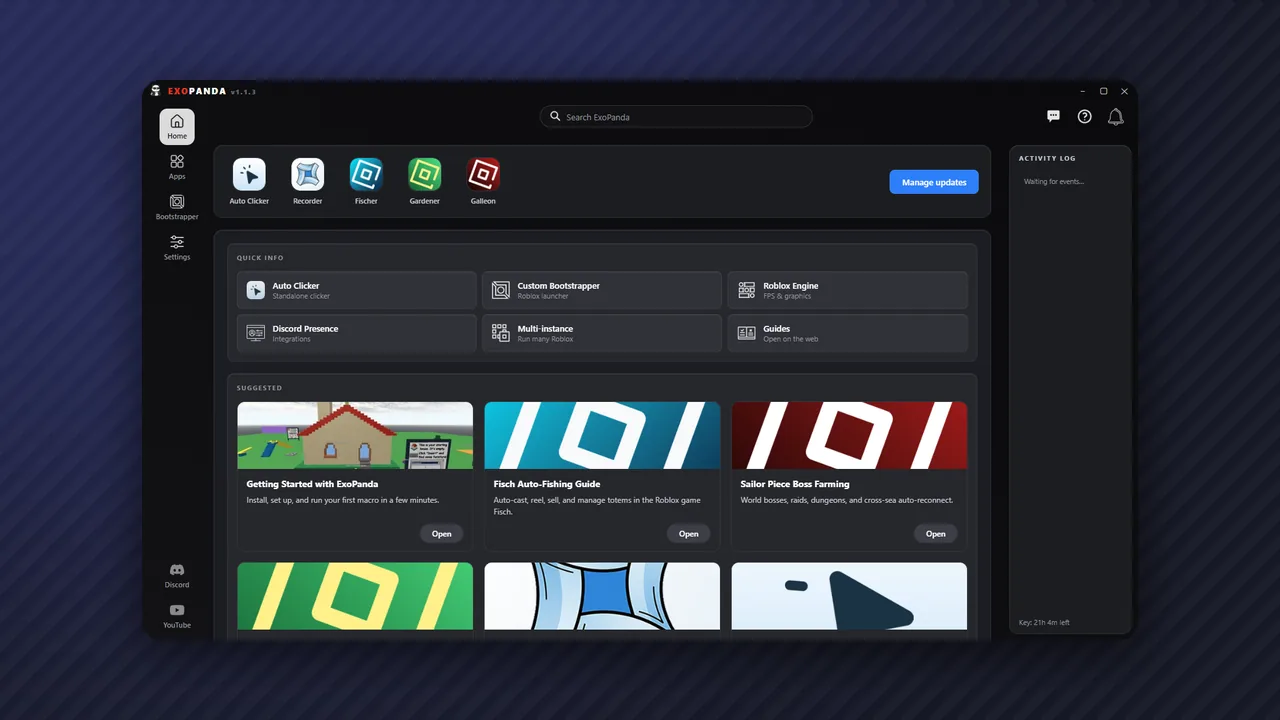
ExoPanda Recorder is a free record-and-replay tool from ExoPanda, the team behind the ExoPanda Fisch macro. It's built for macOS as well as Windows and is Apple-notarized.
| Feature | TinyTask | ExoPanda Recorder |
|---|---|---|
| Mac support | No (Windows only) | Yes, native |
| Playback speed | Preset speeds | Adjustable |
| Looping | Continuous playback | Set count or infinite |
| Hotkeys | Basic | Global start / stop hotkeys |
| Pause while recording | No | Yes |
| Share recordings | .rec / .exe | .exo files |
| Price | Free | Free, no account, no ads |
How to record a Roblox macro on Mac
- Download ExoPanda RecorderGet the Mac version from exopanda.com/downloads. It needs macOS 11 Big Sur or later and about 100 MB of space.
- Install itOpen the .dmg and drag ExoPanda Recorder into Applications.
- Allow Accessibility and Input MonitoringOpen System Settings → Privacy & Security. Turn on Input Monitoring so it can capture your clicks and keys while recording, and Accessibility so it can send them back during playback.
- Set Roblox up the same way every timeUse the same window size, camera angle and starting spot. A recorder replays exact screen positions, so anything that moves will make clicks miss.
- Record the loopPress Record, do the action once, then press Stop. Keep it short: short loops drift less.
- Set speed and loopsTest at normal speed first, then choose a loop count or infinite looping.
- Bind a stop hotkey, then playAlways set a global stop hotkey before you let it run, so you can take control back instantly.
Tips for reliable Mac macros in Roblox
- Start from a fixed state. Reset your character or camera at the start of each loop so every repeat begins in the same place.
- Don't move the Roblox window or change display scaling after recording.
- Keep your Mac awake. Stop it from sleeping during long AFK sessions and keep it plugged in.
- Check the game's rules before AFK farming. Some games don't allow automation.
When to use a game macro instead
A recorder is blind: it repeats the same clicks whether or not the game is where it expects. For games with a dedicated macro, that macro is usually more reliable because it detects what's happening in the game. On Mac, the ExoPanda hub includes game macros for Fisch, Grow a Garden and Sailor Piece.
For simple loops like the PS99 diamond grind, the SpongeBob TD or Anime Last Stand methods, follow those guides and use ExoPanda Recorder wherever they say TinyTask.
New to Mac automation in general? Read how to macro on Mac.
FAQ
Is there a TinyTask for Mac?
No. TinyTask only runs on Windows. ExoPanda Recorder is a free macOS alternative that does the same record-and-replay job.
Is ExoPanda Recorder free?
Yes. ExoPanda lists it as free, with no account and no ads.
Does it work on Apple Silicon Macs?
Yes. It's a universal build for Apple Silicon and Intel Macs running macOS 11 Big Sur or later.
Why doesn't my recording play back?
macOS blocks apps from sending clicks and keys until you allow it. Open System Settings → Privacy & Security and turn on Accessibility and Input Monitoring for ExoPanda Recorder, then restart the app.
Can I use my old TinyTask .rec files?
ExoPanda doesn't say it can import TinyTask recordings, so plan to re-record your macros. Recordings made in ExoPanda Recorder can be exported as .exo files and shared.
Can I get banned for using a recorder macro in Roblox?
Recorders only replay input, the same way a person would. Roblox rarely acts on input macros, but individual games can set their own rules. See can you get banned for using Roblox macros?