Best Roblox Macro: TinyTask & AutoHotkey
Beginner-Friendly Guide • 2026 Edition
What Is a Roblox Macro?
A Roblox macro is a tool or script that records or automates keyboard and mouse actions. Instead of repeating the same task manually—like clicking, moving, or pressing keys—a macro performs those actions automatically.
Macros are commonly used in Roblox for:
- Grinding repetitive tasks
- AFK farming
- Skill training
- Button spamming
- Tycoon automation
This is why many players search for the best roblox macro to save time and reduce effort.
Why Players Use Macros in Roblox
Roblox has thousands of games, and many of them require repetitive actions. Macros help players:
- Save hours of grinding
- Reduce hand fatigue
- Maintain consistency
- Perform tasks with reliable timing
- AFK farm resources
Popular macro-friendly game genres include simulators, clicker games, anime fighters, and tycoons.
Is Using a Macro Allowed in Roblox?
This depends on the game, not Roblox itself.
- Roblox does not ban macros globally
- Individual games may disallow automation
- Exploit-based tools can result in bans
For more detail, see: Are Macros Allowed on Roblox?
Best Roblox Macro Tools Overview
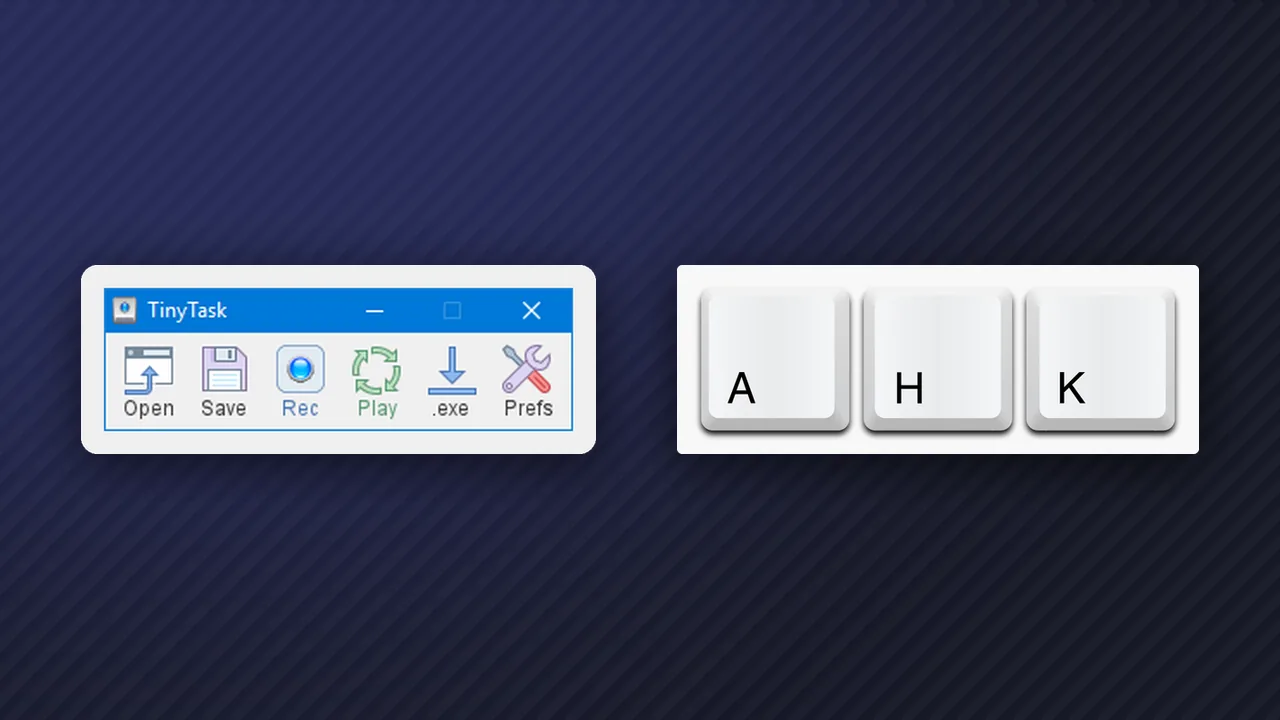
The two most trusted macro tools are:
- TinyTask – Simple recording-based macro
- AutoHotkey – Advanced scripting-based macro
Let’s explore both in depth.
TinyTask Explained
What Is TinyTask?
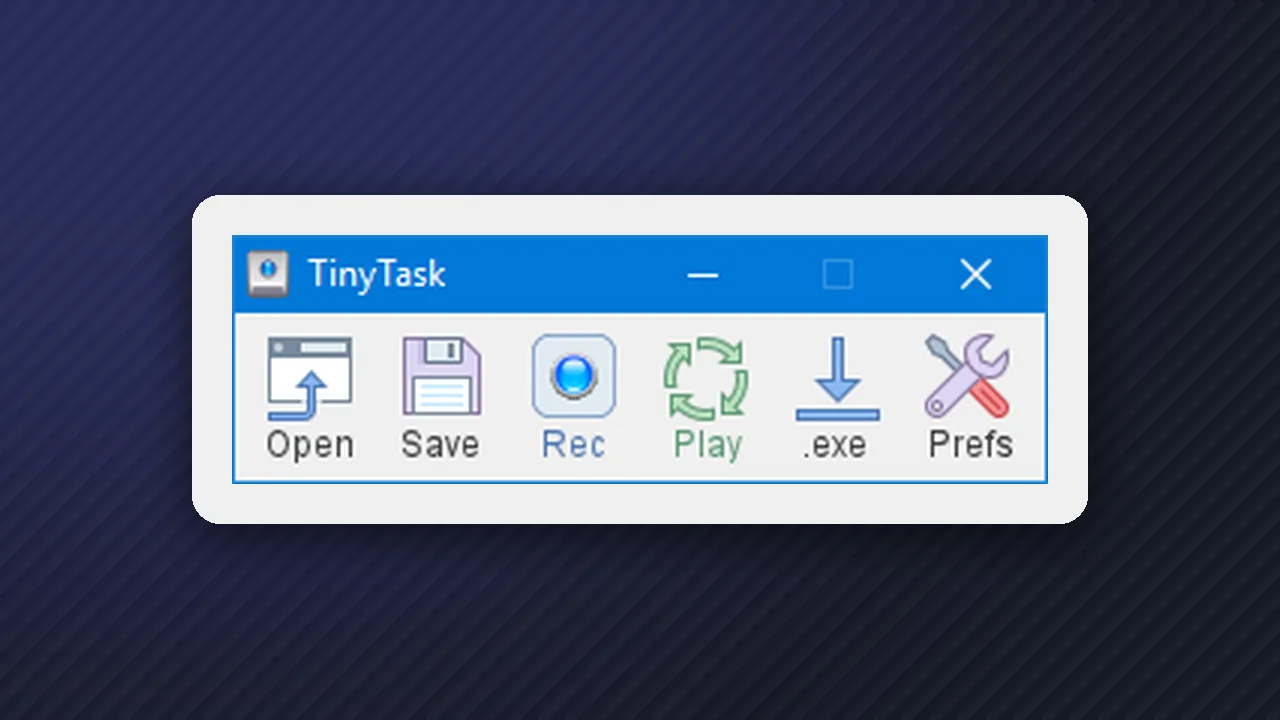
TinyTask is a lightweight macro recorder that captures your mouse movements and keyboard presses, then replays them exactly as recorded.
- Free to use
- No scripting knowledge required
- Beginner-friendly
How TinyTask Works
TinyTask works by:
- Recording your inputs
- Saving them as a macro
- Replaying them in a loop or once
It does not read game memory or inject files, which makes it safer than exploits.
How to Use TinyTask in Roblox (Step-by-Step)
- Download TinyTask from its official site
- Open Roblox and enter your game
- Launch TinyTask
- Press Record
- Perform the actions you want to automate
- Press Stop
- Press Play to repeat the macro
Tip: Use fixed camera angles and windowed mode for better accuracy.
Best Roblox Games for TinyTask
TinyTask works best in games with:
- Static UI
- Repetitive clicking
- Minimal randomness
TinyTask Pros and Cons
Pros
Easy to use, no coding, lightweight, beginner-friendly
Cons
Breaks if the screen changes, no conditional logic, limited customization
AutoHotkey Explained
What Is AutoHotkey (AHK)?
AutoHotkey is a powerful scripting language designed to automate keyboard and mouse input with advanced logic.
If TinyTask is a bicycle, AutoHotkey is a sports car.
How AutoHotkey Works
AutoHotkey uses scripts (.ahk files) that define:
- Keybinds
- Mouse movement
- Delays
- Loops
- Conditions
How to Use AutoHotkey in Roblox (Step-by-Step)
- Download AutoHotkey
- Create a new text file
- Rename it to
macro.ahk - Edit it with Notepad
- Write your macro script
- Double-click to run
- Open Roblox and activate the hotkey
Example AutoHotkey Roblox Script
F1::
Loop
{
    Click
    Sleep, 100
}
return
Press F1 to auto-click every 0.1 seconds.
AutoHotkey Pros and Cons
Pros
Extremely powerful, custom logic, more reliable than recordings, ideal for advanced users
Cons
Learning curve, requires scripting, mistakes can cause errors
TinyTask vs AutoHotkey: Which Is the Best Roblox Macro?
Ease of Use
TinyTask ⭐⭐⭐⭐⭐ | AutoHotkey ⭐⭐
Power
TinyTask ⭐⭐ | AutoHotkey ⭐⭐⭐⭐⭐
Customization
TinyTask ⭐ | AutoHotkey ⭐⭐⭐⭐⭐
Reliability
TinyTask ⭐⭐ | AutoHotkey ⭐⭐⭐⭐
Beginner Friendly
TinyTask Yes | AutoHotkey No
Verdict:
- Beginners → TinyTask
- Advanced users → AutoHotkey
Both qualify as the best roblox macro depending on your needs.
How to Use Roblox Macros Safely
- Don’t use exploit injectors
- Don’t macro PvP games
- Use human-like delays
- Avoid AFK overnight sessions
- Respect game rules
Common Mistakes to Avoid
- Recording macros in fullscreen with resolution changes
- Using macros in competitive games
- Running macros without testing
- Looping without exit keys
Conclusion
Choosing the best roblox macro depends on your experience level and goals. TinyTask is perfect for beginners who want quick automation, while AutoHotkey offers unmatched power for advanced users willing to learn scripting.
When used responsibly, macros can greatly enhance your Roblox experience—saving time, reducing grind, and improving efficiency without crossing into exploit territory.
FAQ
Is TinyTask safe for Roblox?
Yes, TinyTask is generally safe when used responsibly. It only replays your keyboard and mouse inputs and does not inject code into Roblox.
Can AutoHotkey get you banned in Roblox?
AutoHotkey itself is not a ban tool, but using macros in games that prohibit automation can get you kicked or banned by that game’s rules.
What is the best roblox macro for AFK farming?
AutoHotkey is often better for AFK farming because it supports logic, hotkeys, and reliable loops.
Do macros work on all Roblox games?
No. Macros work best on repetitive games with stable UI and predictable actions.
Is scripting required for AutoHotkey?
Yes. You don’t need to be an expert, but you should learn basic AHK syntax for hotkeys, loops, and delays.
Can I use macros on multiple accounts?
This increases risk and is not recommended. Always follow Roblox rules and each game’s automation policy.