Roblox Auto Clicker for Mac
How to auto click in Roblox on macOS with a free, notarized app
Most popular Roblox auto clickers are Windows-only. On a Mac, use a native macOS auto clicker such as the free ExoPanda Auto Clicker: install it, allow Accessibility and Input Monitoring, set a click interval and a start/stop hotkey, then aim your cursor and toggle it on.
An auto clicker is the simplest Roblox macro: it clicks for you at a set speed. It's useful for clicker and simulator games, for holding an attack, and for staying connected while you're AFK. Most well-known auto clickers only run on Windows, so Mac players need a native macOS app.
The best free auto clicker for Mac
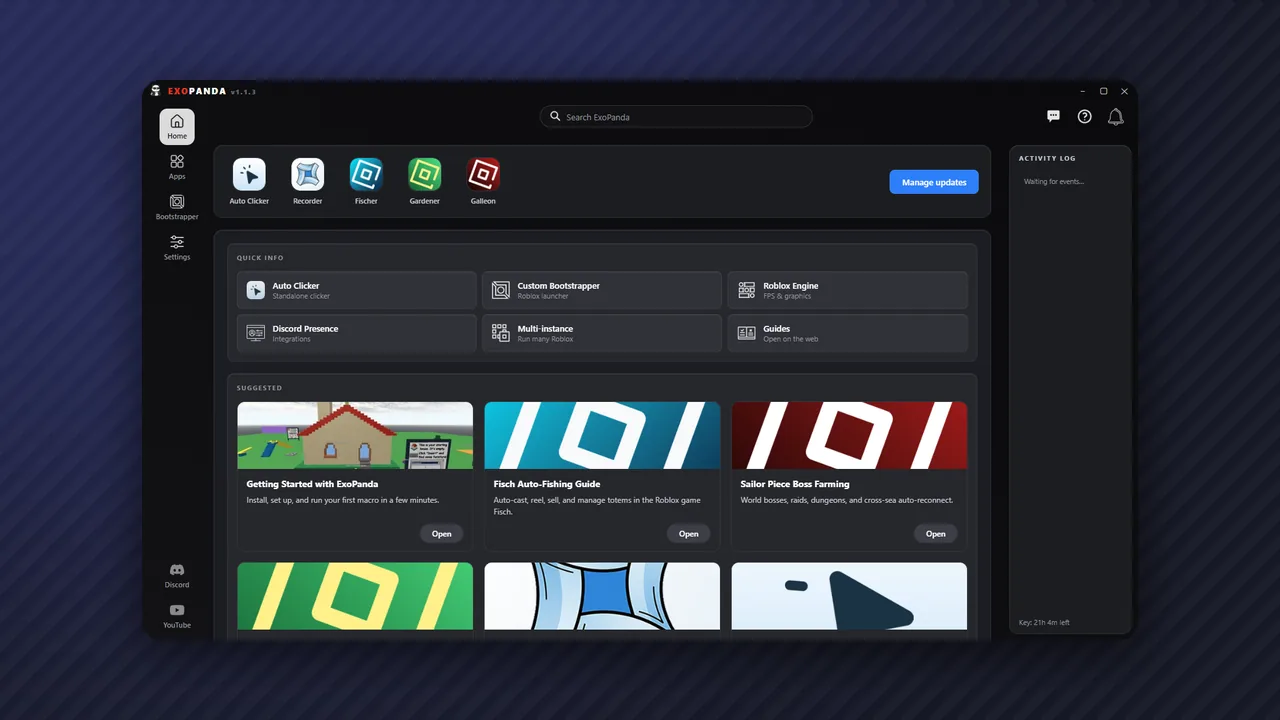
ExoPanda Auto Clicker is a free, standalone auto clicker from ExoPanda with a native Mac version. It's Apple-notarized, needs no account, and doesn't require the rest of the ExoPanda hub. Its main features:
- Randomized intervals
- Hold and toggle modes
- Custom keybinds
- Mouse-button selection
- Live click stats
- Apple Silicon and Intel
How to set it up on Mac
- Download the Mac versionGet it from the official page at exopanda.com/downloads, then drag it into Applications.
- Allow Accessibility and Input MonitoringOpen System Settings → Privacy & Security and turn on both for ExoPanda Auto Clicker. Without them, macOS silently blocks the clicks.
- Set the click intervalStart slow, a few clicks per second, and turn on randomized intervals.
- Bind a start/stop hotkeyPick a key you don't use in-game, so you can stop it instantly.
- Aim and togglePut your cursor where you want to click in Roblox and press the hotkey. It keeps clicking until you stop it.
Good uses in Roblox
- Clicker and simulator games where progress comes from repeated clicks.
- Staying connected while AFK: regular input stops the idle disconnect. See fix error 278.
- Holding or spamming an attack during long grinds.
If you need more than clicking, such as walking, pressing keys or a sequence of actions, use a recorder instead: TinyTask for Mac covers ExoPanda Recorder. For games with dedicated macros, the ExoPanda hub also runs on Mac; see how to macro on Mac.
Staying safe
- Only download from the developer's official site. Re-uploads are the most common way unsafe files spread.
- Check the game's rules. Competitive games are the most likely to forbid auto clickers.
- Don't leave it running unattended for days. Check in on long sessions.
For Windows, see how to auto click in Roblox.
FAQ
Is there a free auto clicker for Mac?
Yes. ExoPanda Auto Clicker is free, Apple-notarized and needs no account. It's a standalone app, so you don't need the full ExoPanda hub.
Why won't the auto clicker click in Roblox?
macOS needs you to allow it first. In System Settings → Privacy & Security, turn on Accessibility and Input Monitoring for the app, then reopen it. Also make sure the Roblox window is focused.
What click speed should I use?
Use the slowest speed that still does the job. Very fast clicking is rarely needed for AFK and can cause lag. Randomized intervals look more natural than a perfectly even rate.
Will an auto clicker stop the 20-minute idle kick?
Usually, yes. Any regular input counts as activity. See how to fix Roblox error 278 for the full AFK setup.
Can I get banned for auto clicking?
Roblox rarely punishes input tools, but some games ban auto clickers, especially competitive ones. Check the game's rules first.